arduino + diy

!arduino×!DIY×

appears with…
arduino + DIY
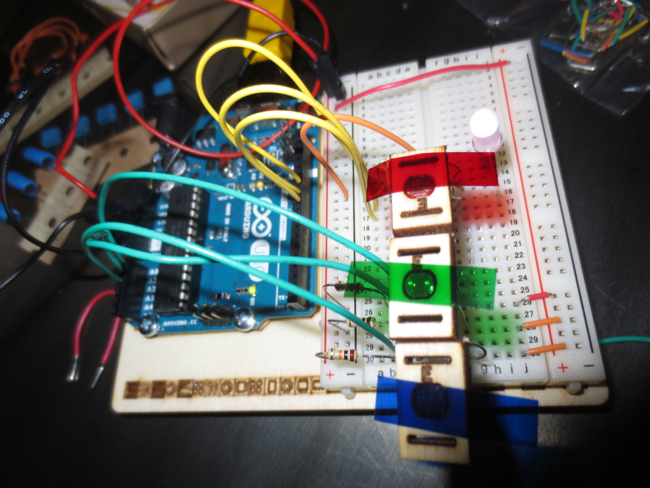
Later, I got into one of the more-advanced Arduino projects that uses light-sensors with different colored-light filters.
arduino + DIY
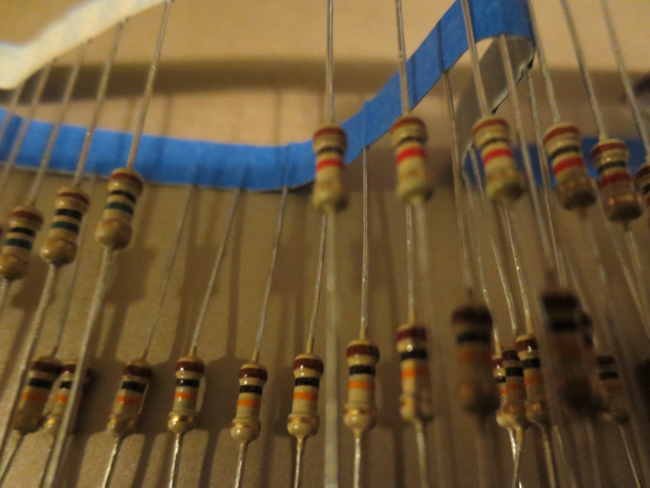
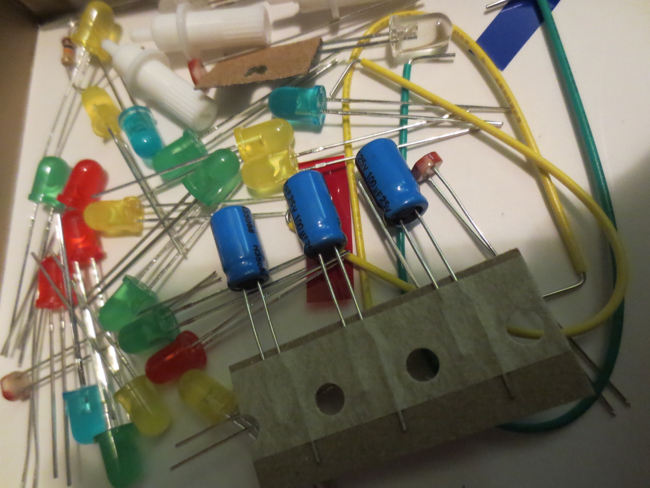
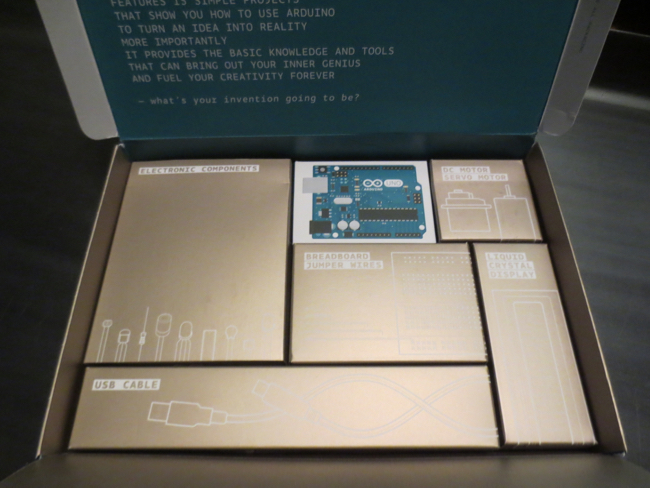
First you've got to go through the hardware and find all the correct pieces for the project you want...
arduino + DIY
...it really is just like really complicated Legos.
arduino + DIY
Stayed up late into the night trying out the different projects in the Arduino book...
arduino + DIY
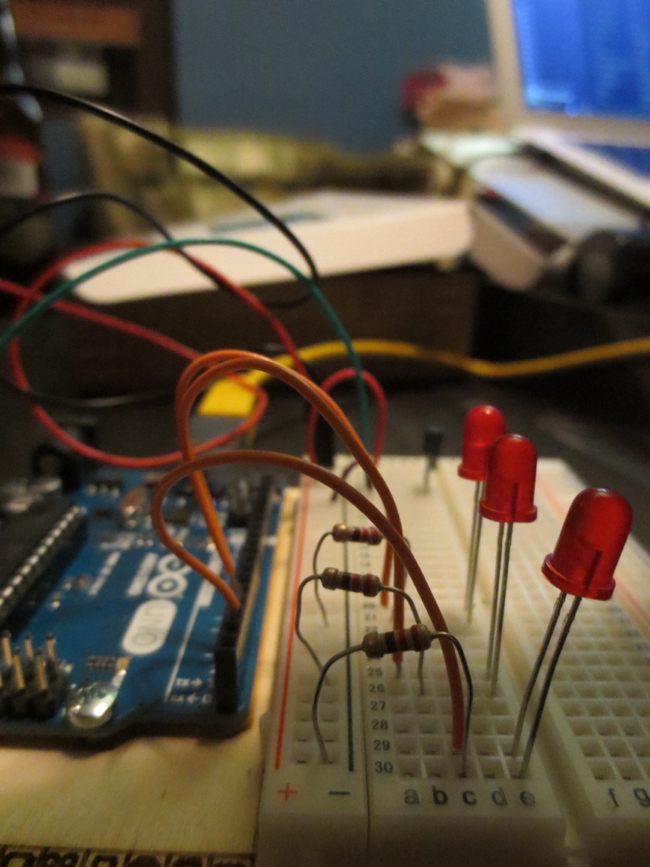
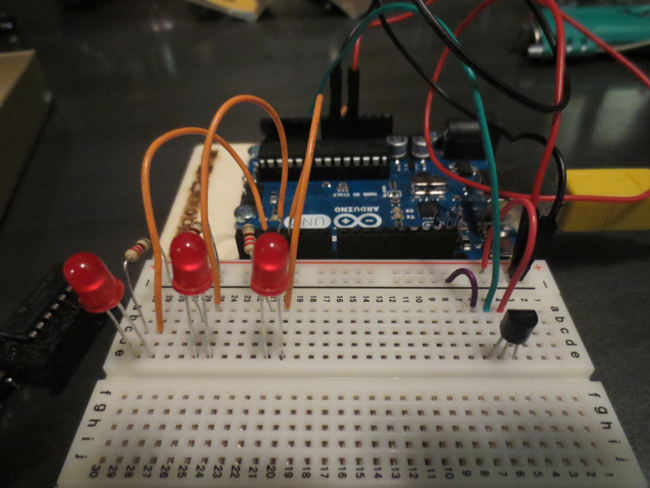
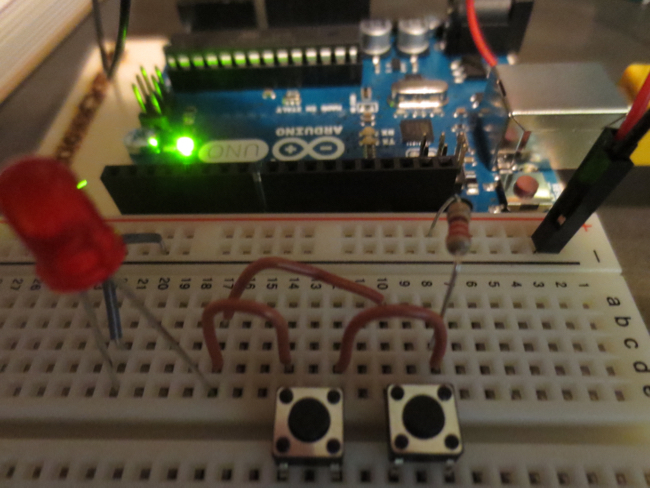
Wiring up three different LED lights...
arduino + DIY
...then you spend time wiring them into the "bread board." (Let's you easily build a circuit by just plugging them into the board without having to solder all the connections.)
arduino + DIY
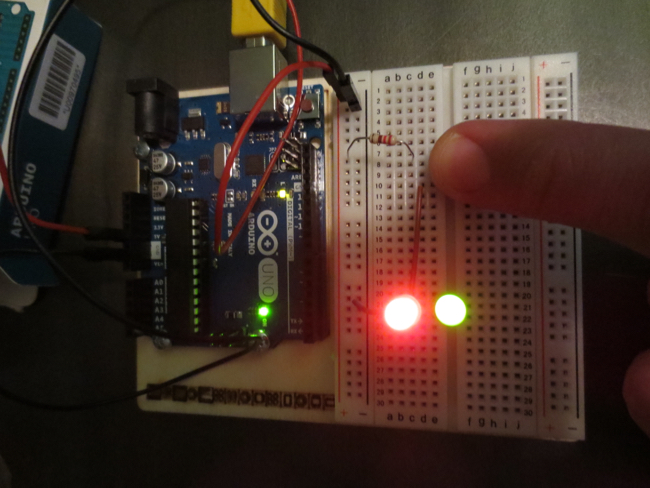
With the circuit built and the code uploaded, it's time to TEST THE BUILD!
arduino + DIY
...and two different buttons.
arduino + DIY
Push a button and the red light ALSO lights up. GREAT SUCCESS! (This is basically the HELLO, WORLD of hardware).
arduino + DIY
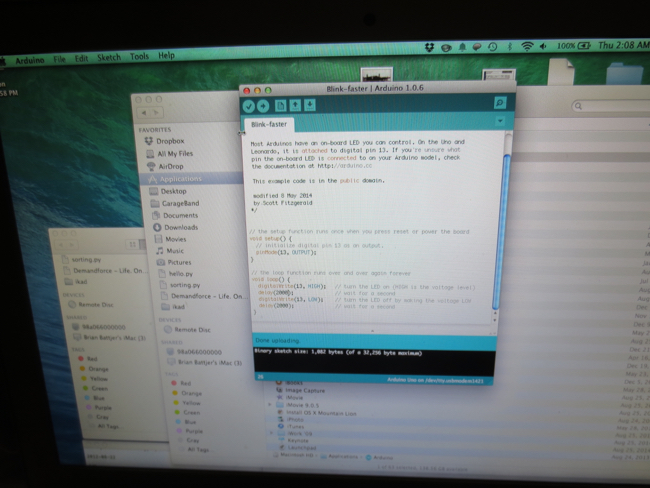
After finishing the hardware portion, you open the Arduino code editor and write code that you can upload to the computer-controller.
arduino + DIY
Arduino is like computer legos. You can add electrical components to a circuit-board that is controlled by a microprocessor you can easily write code for!
arduino + DIY
Got my Arduino starter kit in the mail on Wednesday.